 似水流年
似水流年经过短暂的考虑,我最终决定将域名转入 Godaddy。
今天终于拿到了域名转出密码,共历时6天,据我考察,这个速度在国内已经是相当快了。
域名于今晚18:00左右正式开始转入Godaddy,预计将在一个星期之内完成。
重要:在未来几天很有可能网站将会无法访问,因为这次转移域名,我直接连DNS一起转过去了。待域名正式转移完成后,我会马上更新DNS。
开心~~~哇哈哈!为啥?大家都知道!
经过短暂的考虑,我最终决定将域名转入 Godaddy。
今天终于拿到了域名转出密码,共历时6天,据我考察,这个速度在国内已经是相当快了。
域名于今晚18:00左右正式开始转入Godaddy,预计将在一个星期之内完成。
重要:在未来几天很有可能网站将会无法访问,因为这次转移域名,我直接连DNS一起转过去了。待域名正式转移完成后,我会马上更新DNS。
开心~~~哇哈哈!为啥?大家都知道!


应该在GODADDY比较便宜吧 听说的 我也不确定.
不只是因为便宜哦。。。
6天就搞定,挺快的
GODADDY有那些优点?
哎 国内现在也能这么顺利 我也感到有些意外了 新网还不错
拥有完全的域名控制权,这点要比国内好,这点最重要。
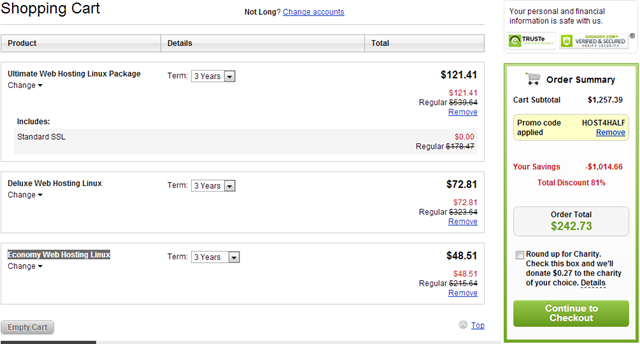
第二是优惠活动多,价格比国内便宜。
Godaddy,的域名我也用!
😉 一直感觉不错的说 就是控制面板太慢了一点 不过不是经常添加和更改 也就无所谓了。解析速度还是相当赞的!